
Prepress06 Aug 2026 · 5 min read
Bleed and safe area on labels: the 2 mm that saves a run
What bleed means, how much to leave and how to check the safe area before sending.
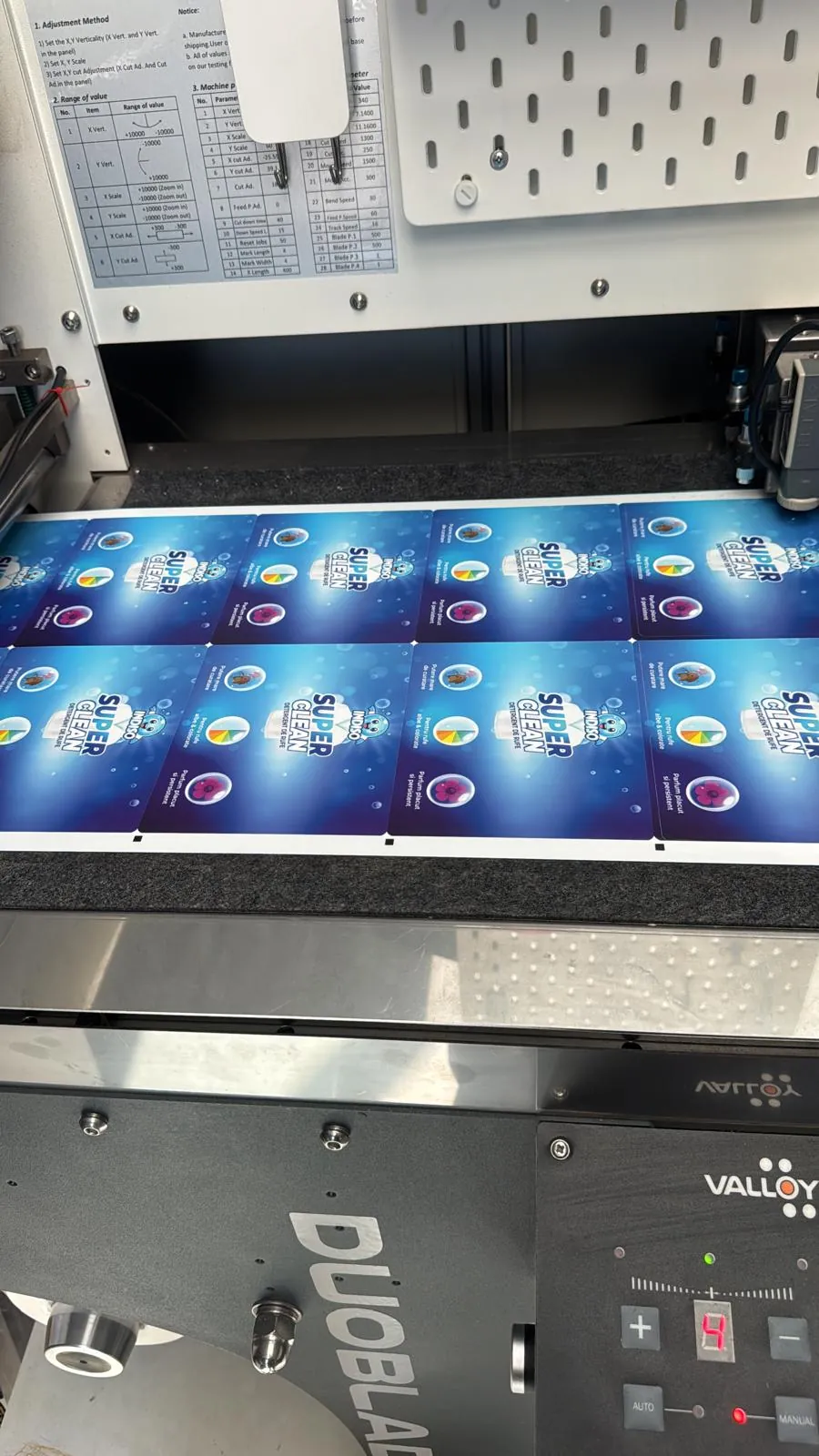
Digital die-cutting is precise, but not micron-perfect. The web moves slightly on the roll, so the artwork must tolerate a sub-millimetre shift without showing it. That's what bleed and safe area buy you: the tolerance production needs.
Bleed: 2 mm around the cut contour
Bleed means the background and any element touching the edge extends 2 mm past the cut line. Without it, the slightest shift shows a white sliver on the edge. That's not a cutting fault, it's a file fault: there's no coloured artwork to cut into.
Safe area: 2-3 mm inside
Text, logo, barcodes and anything that must not be clipped stays at least 2 mm inside the contour, 3 mm on wrap-around bottle labels. On round labels the eye instantly catches text that isn't concentric, so we ask for 3 mm there.
The cut contour: how to deliver it
- Vector, on a separate layer named "CutContour".
- Dedicated spot colour set to overprint so it doesn't print.
- One closed path per label, no duplicate overlapping lines.
- Rounded corners with at least 1 mm radius; a perfectly sharp corner lifts in handling.
Quick checklist before sending
- PDF/X with 2 mm bleed included, not just marked.
- Fonts converted to outlines or fully embedded.
- Images at 300 dpi minimum at final size.
- CMYK, not RGB. Text black: 100% K, not rich black.
- Lines thinner than 0.2 mm thickened, otherwise they drop out.
- Barcode on a light background with a clear quiet zone.
About the author
Eduard Ciobanu · Founder, Etichetaria
Runs self-adhesive label production and the technical side of every order: material selection, the right adhesive for each container, finishes and print-ready artwork prep.
Next step
Get a custom technical quote in 24h, with material and finish recommendations.
Frequently asked
What if I only have a JPG or PNG?
We can work with it if the resolution holds at final size, but we build the cut contour and bleed ourselves, and rasterised text won't be as crisp as vector.
Do you check the file before printing?
Yes, every file goes through preflight and you get a digital proof with the cut contour visible. We don't run production without your approval.